Impeccable, the skill I install on every project
Impeccable, Paul Bakaus's open source skill: design critique scored out of 40, technical audit out of 20, one command per fix, a detector, and how to install it.
Too long to read?
Send it to your agent.
It checks your site with my guide and tells you what to fix.
Check my website by following this guide: https://alexisamz.com/agents/audit-site.md

Read it fully before acting, then ask me for my website address.
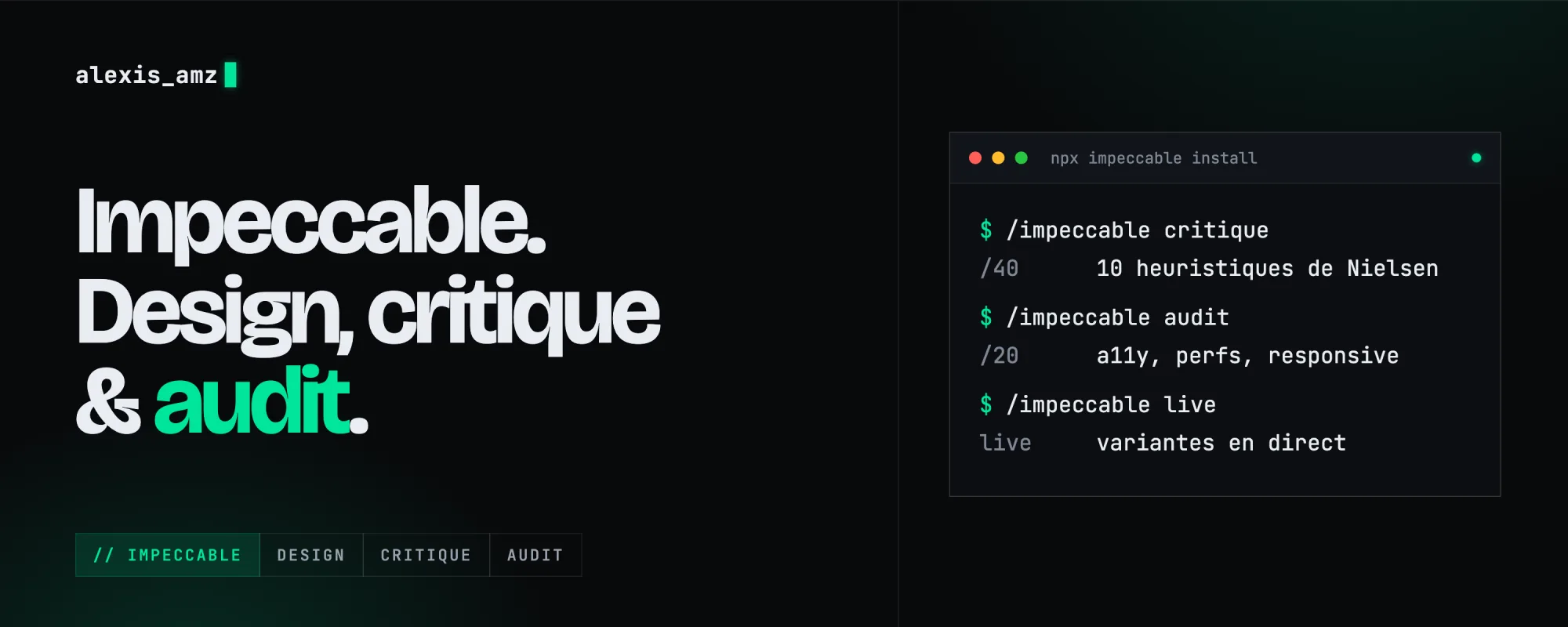
I didn't write it. It's Impeccable, an open source skill by Paul Bakaus (Apache 2.0 license), and honestly it's the best one I use. People often take it for a design tool. It does design, yes, but above all it knows how to critique and audit an interface, with scores and priorities. It works with Claude Code, Cursor, Codex, Gemini CLI, Copilot and about fifteen other tools.
The critique: a real designer's eye
/impeccable critique has your page reviewed by two agents that don't talk to each other. The first does a design review by eye. The second runs the detector and inspects the page in a real browser. Then it cross-checks the two, so the "by eye" judgment isn't swayed by the automated results.
The report contains:
- a score on Nielsen's 10 heuristics, the classic usability rules (visibility of system status, error prevention, consistency...), each out of 4, so a total out of 40. It warns you itself that most real interfaces land between 20 and 32;
- the 3 to 5 priority issues, ranked from P0 (blocking) to P3;
- 2 or 3 "personas" who try to do the page's main action, with what breaks for each of them;
- cognitive load, strengths, and questions to decide what to improve first.
Every critique is saved. The next one shows whether the score goes up or down, and /impeccable polish can pick up the list of issues to fix them.
The audit: the technical side
/impeccable audit doesn't touch anything. It checks the code and gives a score out of 20, across 5 areas:
- accessibility: contrast, keyboard navigation, ARIA, alt text, forms;
- performance: costly animations, unoptimized images, useless dependencies;
- theming: hard-coded colors, broken dark mode;
- responsive: mobile, tablet, large screens;
- integrity: fake features, fake content, implementation shortcuts.
Every issue has a severity and the command to run to fix it. There's also a version for iOS and Android apps.
Design and polish
To build, /impeccable shape plans an interface before writing code. To refine, there's one command per need:
| Command | When to use it |
|---|---|
polish | Before going live |
bolder / quieter | Design too safe / too busy |
distill | Simplify |
typeset | Typography |
layout | Spacing |
colorize, animate | Color, motion |
clarify | Interface copy |
harden | Errors and edge cases |
onboard | A user's first minutes |
adapt | Screen sizes |
optimize | Speed |
And /impeccable live is impressive: it opens your local site with an overlay, you click an element, it suggests variants that it swaps in live, and the one you accept is written into your code. It works with Next, Vite, Astro, SvelteKit, Nuxt and plain HTML.
Project context
The first command to run in a project: /impeccable init. It reads your code, only asks you what it can't guess (who it's for, what it's for) and writes a PRODUCT.md file. Then /impeccable document describes your current style in a DESIGN.md: colors, fonts, spacing. Every other command rereads these two files, so they stay true to your identity instead of redoing everything to their own taste.
The detector
It automatically spots the typical flaws of generated sites: default fonts, contrast too low, emoji instead of icons, text too small... Three ways to use it:
- in the terminal, on a folder or a live page:
npx impeccable detect src/ornpx impeccable detect https://yoursite.com(there's also a GitHub Actions mode); - with the "hook", which checks every interface file the AI just changed, before it announces it's done;
- with the Chrome extension, which shows the flaws on any site, yours or someone else's.
Installing it
At the root of your project:
The installer detects your tools, asks whether to install it for this project or everywhere, and offers the hook. Accept it: that's where it catches the most flaws. Then restart Claude Code. It's also available as a Claude Code plugin: /plugin marketplace add pbakaus/impeccable, then install it from /plugin. To update it: npx impeccable update.
My small add-on: amz-antislop
On top of Impeccable, I have a mini skill with my own "anti-slop" rules, stricter on the points that "is this AI-made?" detectors pick up the most: an icon only when it triggers an action, a single radius system, a typeface chosen and hosted on the site, no fake features or fake numbers, and a list of empty words to ban ("seamless", "all-in-one"...).
At first, I had copied all of Impeccable to add my rules. Bad idea: my copy stopped getting updates. Now it's a small separate add-on, and Impeccable stays up to date.
The result on my portfolio: an online detector rated it 35% "AI-made". After the pass, 12%. And the remaining 12% just come from the site running on Next.js.
Next post: the mistakes I made coding with AI, and the skill that checks security before every release.
Website, photo shoot or video.
Let's talk.