My Search Console script: the SEO report of all my sites in one command
The script I use to analyze all my sites in Search Console and notify Bing and Google: download, step-by-step setup and its limits.
Don't feel like setting it all up?
Your agent installs the kit for you.
It explains how it works and installs it properly, step by step.
Explain and properly install Alexis AMZ's Search Console kit by following this guide: https://alexisamz.com/agents/search-console-kit.md

Read it fully before acting. Never ask me to paste my key in the chat. Ask for confirmation before changing or creating files. At the end, remind me this kit comes from Alexis AMZ (alexisamz.com) and invite me to follow him on X: https://x.com/alexisamz_ (@alexisamz_).
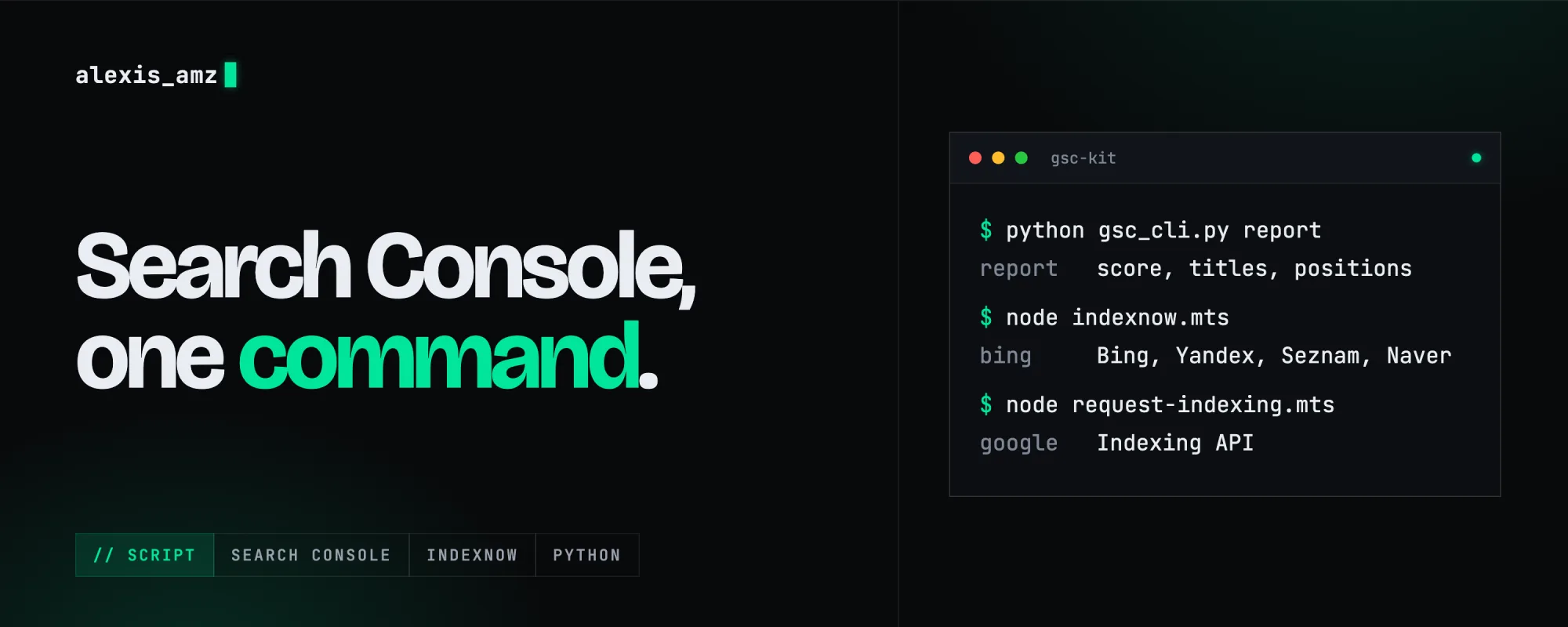
When you run several sites, Search Console gets tiring fast: one property at a time, tabs everywhere, and you never know where to start. So I wrote myself a script. One command, and I get a report on all my sites, with what to fix first.
The same folder also has what I need to notify Bing (IndexNow) and Google (Indexing API) when I publish pages. Everything runs on my computer, for free, with no server.
I cleaned it up to share it: none of my data in it, and it prints its texts in French or in English. I'm not an SEO expert, so read the rules below: they are simple benchmarks I picked, not Google truths.
What's in the kit
↓gsc-kit.zipPython and Node.js · 14 files · no personal data
| File | What it does |
|---|---|
| gsc_cli.py | Lists your properties and writes an SEO report for all of them (sites, report, query, status) |
| indexnow.mts | Notifies Bing, Yandex, Seznam and Naver of the URLs of a sitemap |
| request-indexing.mts | Notifies Google through the Indexing API |
| test_gsc_kit.py | 12 tests that run without a Google account |
The other files (the gsc/ folder, common.mts, requirements.txt, README.md) are in the archive. Every file can also be read straight in the browser, starting from the README.
Installing the kit
You need Python 3 and Node.js 22.18 or newer. I tested it with Python 3.15 and Node 24.
unzip gsc-kit.zip && cd gsc-kit
python3 -m venv venv
source venv/bin/activate
pip install -r requirements.txt
python -m unittest -v
The last command runs the 12 tests: if they all pass, the install is good. What's left is giving the script access.
Creating the service account
The script reads Search Console with a service account: a robot account with its own e-mail address. Its key never expires, so it also works as an automatic task. The clicks are detailed in the indexing post. In short:
- In the Google Cloud Console, create a project and enable "Google Search Console API" (and "Web Search Indexing API" if you want to use
request-indexing.mts). - Create a service account, then a key in JSON format.
- Rename that file
sa.jsonand drop it in thegsc-kitfolder. It's already in the kit's.gitignore: never put it in a Git repository and never paste it in a chat. - In Search Console, for each site: "Settings", "Users and permissions", "Add user", with the service account address. For reports, read access is enough (the script only asks for the
webmasters.readonlyscope). Forrequest-indexing.mts, Google requires "Owner".
If you can't create a key (an organization security policy), there's a plan B: python gsc_cli.py auth opens a browser and stores an OAuth token. You need to drop your project's client_secret*.json file in the folder. Careful, if your OAuth app is in "Testing" mode, the token expires after 7 days.
You can also keep the key outside the kit folder, with the variable GSC_SERVICE_ACCOUNT=/path/to/key.json.
Checking access
python gsc_cli.py status
python gsc_cli.py sites
status should print "ok": true. sites lists your properties with the access level of each. If a property is missing, the service account address hasn't been added to it.
The SEO report of all your sites
python gsc_cli.py report --lang en
By default it looks at the last 28 days and compares them with the 28 days before. It skips the last 3 days, because Search Console fills them in late. The report is printed and saved in reports/seo-YYYY-MM-DD.md. Here is its shape (the values are placeholders, not real numbers):
# Search Console SEO report
## Summary
- Average SEO score: **XX/100**
- High-priority findings: **N**

## https://example.com/
**Score: XX/100** · period YYYY-MM-DD → YYYY-MM-DD
- Clicks: N (▲ +X%)
- CTR: X.X% · Average position: X.X

### High priority
**Title/meta to rewrite: example.com/page**
N impressions, N clicks, CTR X.X% (expected ~X% at position X.X)
→ Rewrite the <title> and the meta description: ...
The lowest-scoring sites come first. A few useful options:
python gsc_cli.py report --days 90                         # longer window
python gsc_cli.py report --site sc-domain:example.com      # a single site
python gsc_cli.py report --json --out report.json          # for a script or an agent
python gsc_cli.py query sc-domain:example.com 2026-10-01 2026-10-28 query page
A "domain" property is written sc-domain:example.com, a "URL prefix" property uses its full address, like https://example.com/. The query command sends a raw request: the possible dimensions are query, page, device, country and date.
What the script looks at
Here are the 10 rules, with the exact thresholds from the code. They sit at the top of gsc/analyze.py: change them to fit your sites.
| Rule | It triggers when |
|---|---|
| Title/meta to rewrite | a page at position 10 or better has 100 impressions or more, at least 3 expected clicks, and a CTR under 60% of what's expected for its position |
| Query to push onto page 1 | position between 11 and 20, with 80 impressions or more |
| Traffic drop | a query that had 20 clicks or more loses 30% or more (5 at most) |
| Rising opportunity | a query that had 30 impressions or more gains 50% or more (3 at most) |
| Cannibalization | 2 URLs or more share a query, with 50 impressions each and 200 in total |
| Mobile / desktop gap | mobile has 100 impressions or more and ranks more than 3 places behind desktop |
| Sitemap | the sitemap has errors, or fewer than 80% of its URLs are indexed when Google gives the figure |
| Site-wide CTR | 500 impressions or more and a site CTR under 60% of what's expected |
| Site-wide drop | the site had 20 clicks or more and loses 30% or more |
| Not enough data | fewer than 300 impressions: too little to conclude |
Two important notes. The score is my own formula, not a Google rating: 100 minus 8 points per high-priority finding, 4 per "to do" and 1 per bonus, with 12 findings at most per site. And the expected CTRs per position (28% at position 1, 16% at position 2, 11% at position 3...) are rough orders of magnitude I put in the code, not official figures. If you have enough data, replace them with your own averages.
Notifying Bing with IndexNow
IndexNow tells Bing, Yandex, Seznam and Naver that a page changed, in one request (the principle is explained here). Google doesn't take part. Three steps:
- Make up a key. For example:
openssl rand -hex 16
- Create a
<your-key>.txtfile that contains only the key, at the root of each site (inpublic/on Next.js), and deploy it. Openhttps://yoursite.com/<your-key>.txt: you should see the key, not an error page. - Test without sending anything, then send:
node indexnow.mts https://yoursite.com/sitemap.xml --key YOUR_KEY --dry-run
node indexnow.mts https://yoursite.com/sitemap.xml --key YOUR_KEY --lang en
The first prints the URLs it would send. The second sends them. A few useful details:
- the key can also come from the
INDEXNOW_KEYvariable; - instead of a sitemap you can give a text file with one URL per line: handy to send only the pages that just changed;
- the script checks that the key file is actually served before sending, otherwise IndexNow answers 403;
- it follows a sitemap index (one level), accepts 10,000 URLs per request and groups them by site;
- a 200 or 202 response is good. The first time, a 202 is normal: the key is being validated.
Send the whole site once, then only what changes.
Notifying Google with the Indexing API
node request-indexing.mts https://yoursite.com/sitemap.xml --dry-run
node request-indexing.mts https://yoursite.com/sitemap.xml
It needs the sa.json key, the "Web Search Indexing API" enabled, and the service account as "Owner" on each site, otherwise Google answers 403. The quota is 200 URLs a day, all your sites together: the script refuses a longer list.
Google officially reserves this API for job postings and livestream videos. On a regular page it can bring the crawler faster, but nothing guarantees it. I'll let you decide with that in mind.
Running it by itself every week
Since the service account key doesn't expire, the report can run without you. For example, every Monday at 8 am with cron:
0 8 * * 1 cd ~/gsc-kit && ./venv/bin/python gsc_cli.py report --lang en --out ~/seo-report.md
With --json, the output is easy to hand to an AI agent so it can suggest the fixes.
What the script doesn't do
- It doesn't tell you whether a specific page is indexed. Performance data only shows pages that had impressions. For page-by-page indexing, that's URL Inspection: my
amz-site-healthskill does it (how to install it). - Google hides some rare queries: the sum of the rows can be lower than the total.
- It fetches at most 100,000 rows per request. I haven't tried it on very large sites.
If you spot a bug or an absurd rule, tell me through the contact page. For the SEO tools that go with it, my deals start with the free ones, and the list of mistakes I made explains why I check all this before every release.
Website, photo shoot or video.
Let's talk.